

Charlie has posted yeseterday's presentation at the ColdFusion Meetup. http://experts.acrobat.com/p68743264/ So please watch it and learn about ColdBox
Blog
Recent Entries
BoxLang 1.18.0 Released : Every Cloud, Every Node, Every Agent
Azure joins the serverless family. Scheduled tasks become cluster-safe. And the whole platform gets documentation and skills built for developers and AI agents working side by side.
If you run a technology organization, you are being asked to do three things at once: ship faster, keep the estate you already have running, and make AI part of how your teams work. Most stacks make you choose. BoxLang 1.18 is another step toward not having to.
Luis Majano


Luis Majano
October
02,
2026
Victor Campos


Victor Campos
October
02,
2026
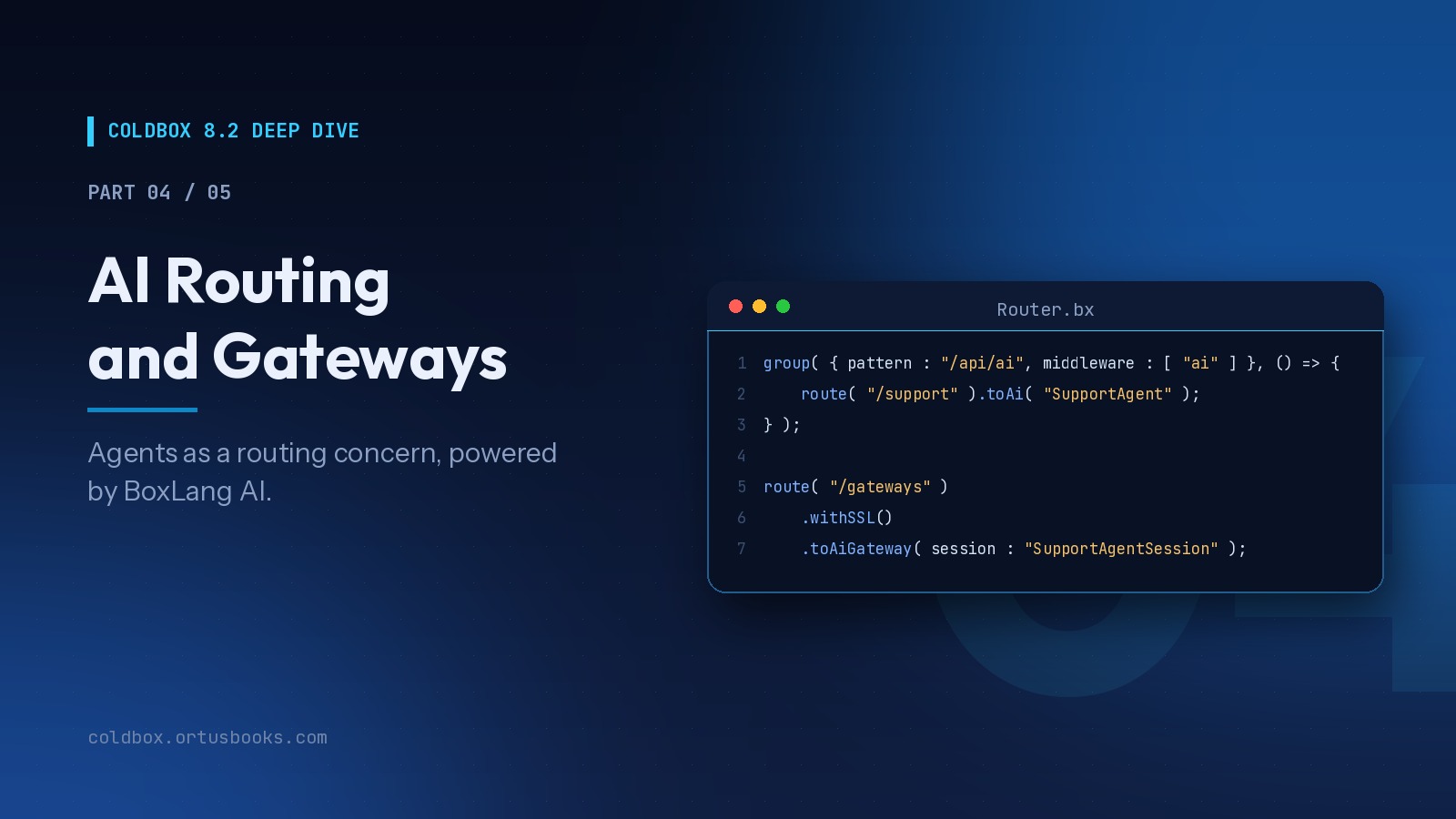
ColdBox 8.2 Deep Dive, Part 4 of 5 : AI Routing and Gateways
We've been building AI into the core of ColdBox since 8.0, because the applications teams are asked to build have changed. They talk to models, stream answers, expose tools to other AI systems, and increasingly host agents that act on behalf of users. None of that should require bespoke plumbing in every project.
Luis Majano
Luis Majano
October
02,
2026
Add Your Comment
(5)
Nov 30, 2007 10:28:00 UTC
by phill.nacelli
Luis,
Great Preso last night.. I'm looking forward to playing with CB more in the coming weeks..
I downloaded last nights' RC 2 release and launched the dashboard .. in the docs you have the default password to coldbox but I'm not able to login.. I have ColdBox directory sitting on C:inetpubframeworkscoldbox (with cf mapping to that directory) and the dashboard in the C:inetpubwwwrootdashboard folder..
any help would be greatly appreaciated..
Thanks...
Nov 30, 2007 10:44:10 UTC
by Luis Majano
HI Phil,
That should be the password. However, you can manually change it by do the following:
Open the config/settings.xml.cfm and locate the password hash. You can change the hash by using the hash method in CF and the algorithm
So try it out.
Nov 30, 2007 10:56:53 UTC
by Mike Benner
I second the comments. It was an amazing presentation of a framework, I almost passed up. I will be definitely be installing it and giving it a whirl. It seems to solve some of my issues with MG and seems easier to have an easier learning curve (especially with your documentation OCD). Thanks for all the hard work.
Dec 01, 2007 12:04:28 UTC
by Sana
Hi Luis,
Nice presentation....
Is it possible if you do a more advance level of presentation, to cover caching, interceptors, decorator, coldboxproxy.
ColdBox documentation is too good.
Again thanks for all your hard work and offering incredible toolkit ( coldbox ).
Many Thanks
Dec 01, 2007 13:46:26 UTC
by nick tong
Hi Luis, would you be interested in doing an advanced workshop for http://cfFrameworks.com ?